Skip to content

Your first file is free. Upload your design and see the difference. Claim it

Vinyl cutting files

Decals that cut clean and weed fast.

Single-layer, welded SVG and DXF, set up for Cricut, Silhouette and Roland, with a weeding box and no tiny islands.

  • Drawn by hand
  • All formats
  • Price before work
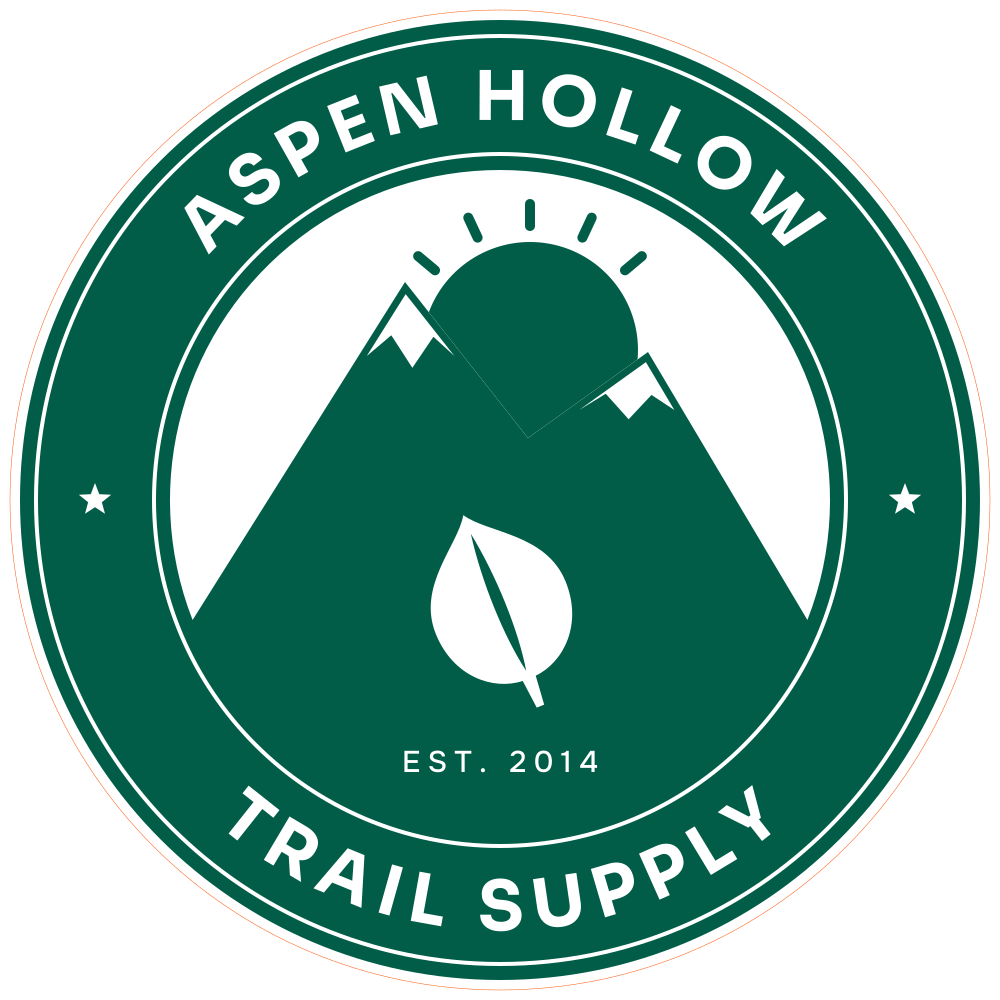
Sample artwork: one-color vinyl decal with welded letters and a weeding box

Pure vector

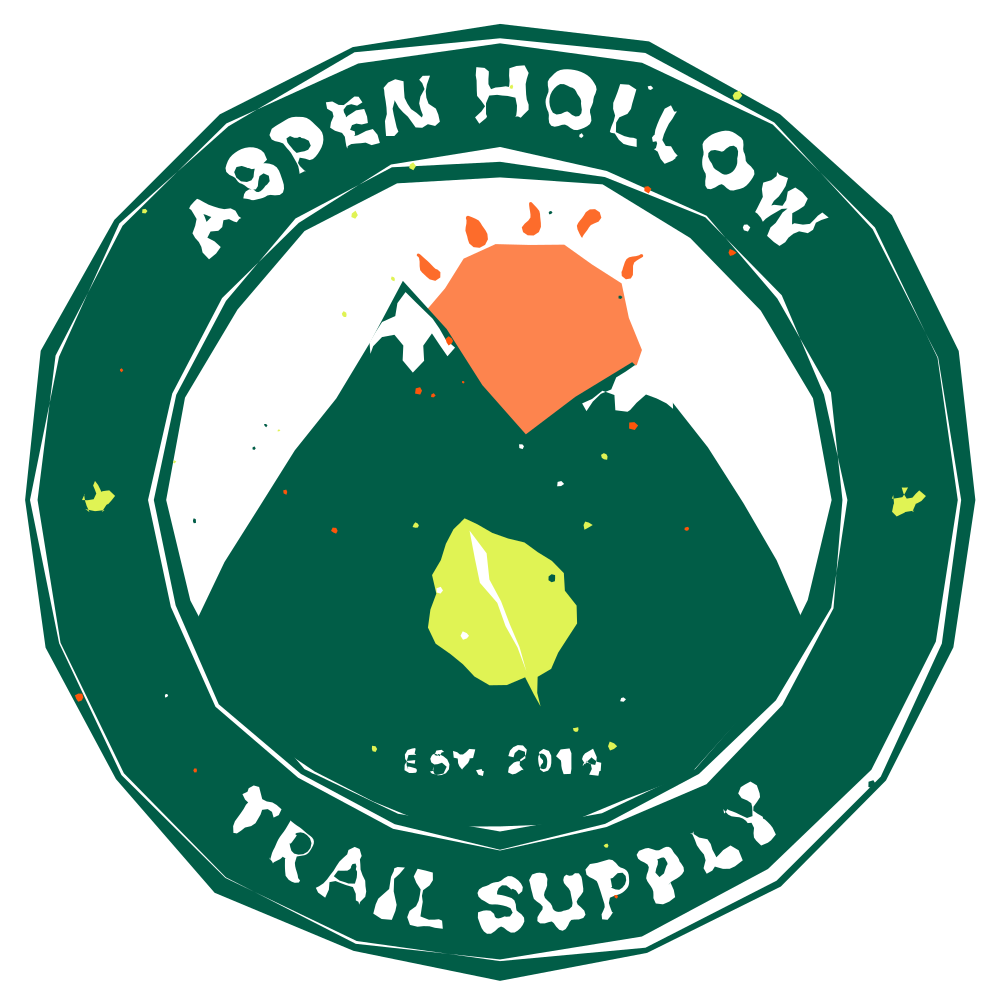
Sample artwork: the badge auto-traced, with jagged edges, stray specks and an off orange

Auto-trace

Sample artwork: the same badge as a blurry, blocky low-resolution JPG

JPG

Why it's hard

Bad files make weeding miserable.

Overlapping letters cut into each other, tiny islands tear off with the excess and a missing weeding box leaves you hunting for edges.

  1. Welded letters, no overlapping cuts
  2. No islands too small to weed
  3. Weeding box included
Sample artwork: one-color vinyl decal with welded letters and a weeding box

Options

Pick your cutter.

Sample artwork: one-color vinyl decal with welded letters and a weeding box

Cricut

SVG with welded shapes that upload cleanly to Design Space.

Sized to your mat so nothing is scaled by accident.

Try it

Weed it yourself.

Weeded 0 of 9

Welded lettering and clean cut lines: nine pieces and the decal is ready.

Drag or flick a shaded piece off the sheet. With a keyboard, tab to a piece and press Enter.

Manual vs auto

Hand-drawn vs auto-traced. Drag to see.

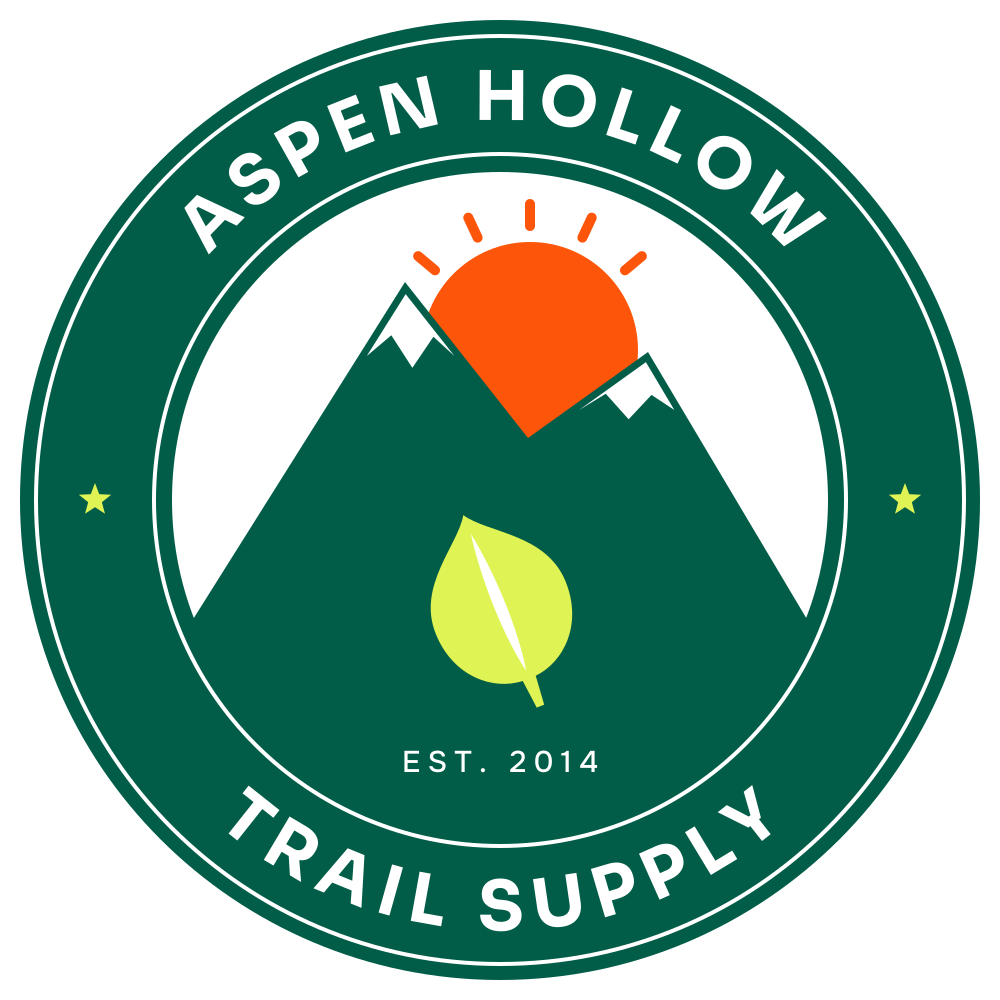
Sample artwork: Aspen Hollow Trail Supply badge as a clean hand-drawn vector
Sample artwork: the badge auto-traced, with jagged edges, stray specks and an off orange
Auto-tracePure vector

Method

How a cut file comes together.

  1. Sample artwork: Aspen Hollow Trail Supply badge as a clean hand-drawn vector

    Step 01: Simplify the shapes

    Paths are rebuilt with fewer nodes so the blade moves smoothly.

  2. Sample artwork: one-color vinyl decal with welded letters and a weeding box

    Step 02: Weld the letters

    Overlapping letters are merged into one shape, so no cuts cross.

  3. Sample artwork: one-color vinyl decal with welded letters and a weeding box

    Step 03: Add the weeding box

    A frame around the design makes the excess quick to lift.

  4. Sample artwork: one-color vinyl decal with welded letters and a weeding box

    Step 04: Export for your cutter

    SVG, DXF and a PNG preview, mirrored for HTV when you need it.

Process

From upload to final file.

  1. Upload

    Any JPG, PNG, PDF or screenshot, even a phone photo.
  2. Quote

    You see the price and turnaround first. Nothing starts until you approve.
  3. Redraw

    Every curve rebuilt by hand, colors matched.
  4. Deliver

    AI, EPS, SVG, PDF, DXF and PNG, ready to print or cut.
  5. Refine

    Not right? We fix it, or you get your money back.

Not sure which tier? Upload it. We will tell you before you pay.

All file formats included. Price confirmed before any work starts. Money-back guarantee.

Our work

Every file, ready to print or cut.

Tap a piece to see it larger.

Reviews

Embroiderers notice the difference.

1 of 5: [Placeholder review 1: what the customer ordered and how it sewed.]

“[Placeholder review 1: what the customer ordered and how it sewed.]”
[Customer name][Shop name]

FAQ

Vinyl Cutting Vector Files questions.

SVG for Cricut, DXF or SVG for Silhouette, and EPS or AI for Roland and Graphtec. You get all of them.

Free quote

Show us the design. We will show you the price.

Share where it goes, how big it sews and the machine you run. A digitizer looks it over and emails your price and turnaround. Nothing is planned until you say yes.

  • Quotes are always free
  • Every machine format included
  • Money-back guarantee

Drop your artwork or browse

JPG, PNG, PDF, AI, EPS or SVG. Up to 25 MB each.

    No payment needed. You approve the price first.

    Your first file is on us.

    Send the logo that keeps giving you trouble. We will show you what clean thread looks like.